

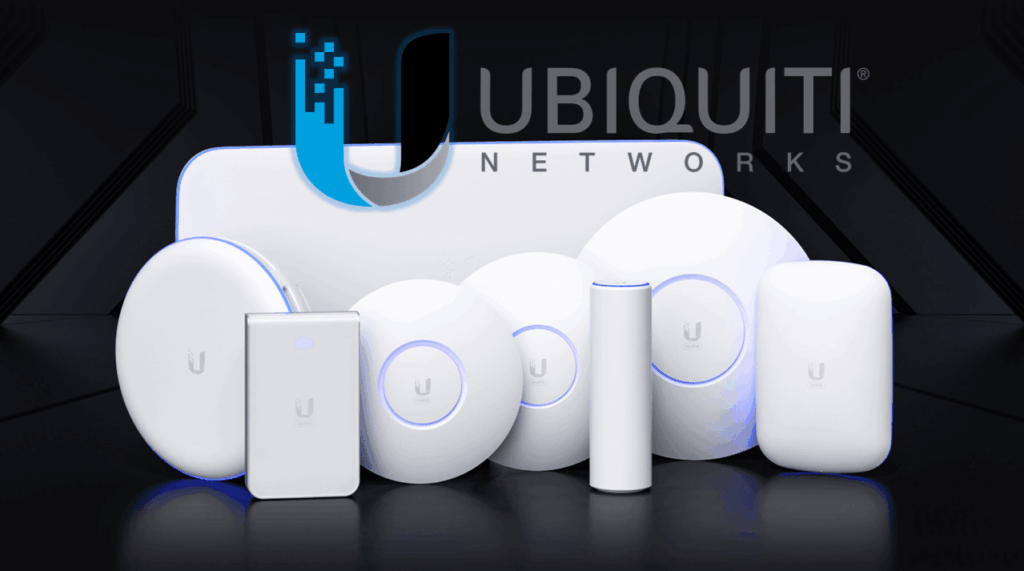
Ubiquiti UniFi gateways, switches and Wi-Fi
Plan the UniFi gateway, switching, PoE, AP placement and Network application as a supported, documented system.
Portfolio and infrastructure context
Ubiquiti UniFi combines gateways or cloud gateways, switches, access points and the UniFi Network application. Product selection should consider throughput, security features, client count, port and PoE demand, uplink speed, management location and lifecycle expectations.
The controller or console is part of the system. Ownership, backups, administrator accounts, remote access, site association and target release must be defined before devices are adopted. A device should not be reset or moved between controllers without an approved migration and rollback plan.
AP installation follows an RF design and verified cable path. Switch installation follows port, VLAN, uplink and PoE requirements. Acceptance includes representative client traffic and management visibility rather than stopping at a blue status light.
Product families in the design
Use the platform roles below to build a complete bill of materials and avoid treating unlike components as substitutes.
Cloud gateways
Routing, security and UniFi application hosting for supported deployments.
UniFi switches
Access, aggregation and PoE switching tied to endpoint and uplink needs.
UniFi access points
Indoor and outdoor Wi-Fi installed to coverage and capacity requirements.
UniFi Network
Device adoption, configuration, monitoring, backup and update operations.
Infrastructure decisions before release
These decisions affect pathways, racks, power, media, testing and future service.
Console ownership
Name the UniFi account, console, backup and administrator responsibilities.
Switch sizing
Calculate ports, PoE, uplinks, SFP modules and growth.
RF placement
Validate AP model, location, orientation, obstruction and cable.
Release policy
Record target application and firmware versions and update approval.
Acceptance and closeout evidence
Turnover should show that the installed infrastructure supports the approved design and can be maintained.
- Confirm devices are adopted to the intended console with correct names and sites.
- Test VLAN, DHCP, routing and representative endpoint service.
- Validate Wi-Fi coverage, roaming and negotiated performance.
- Deliver serials, MACs, ports, AP map, backups and software versions.
Official Ubiquiti UniFi resources
Confirm current models, compatibility, release notes and software at the official resources below. TekRoute links to manufacturer portals and does not mirror firmware files.
Detailed planning and product-family guides
Use these detailed Ubiquiti UniFi infrastructure guides to examine specific equipment and implementation decisions.
Turn the Ubiquiti UniFi design into field-ready infrastructure
Share the drawings, quantities, standards and test requirements. We can identify surveys, pathways, materials, staging and closeout work.
Start an infrastructure conversation